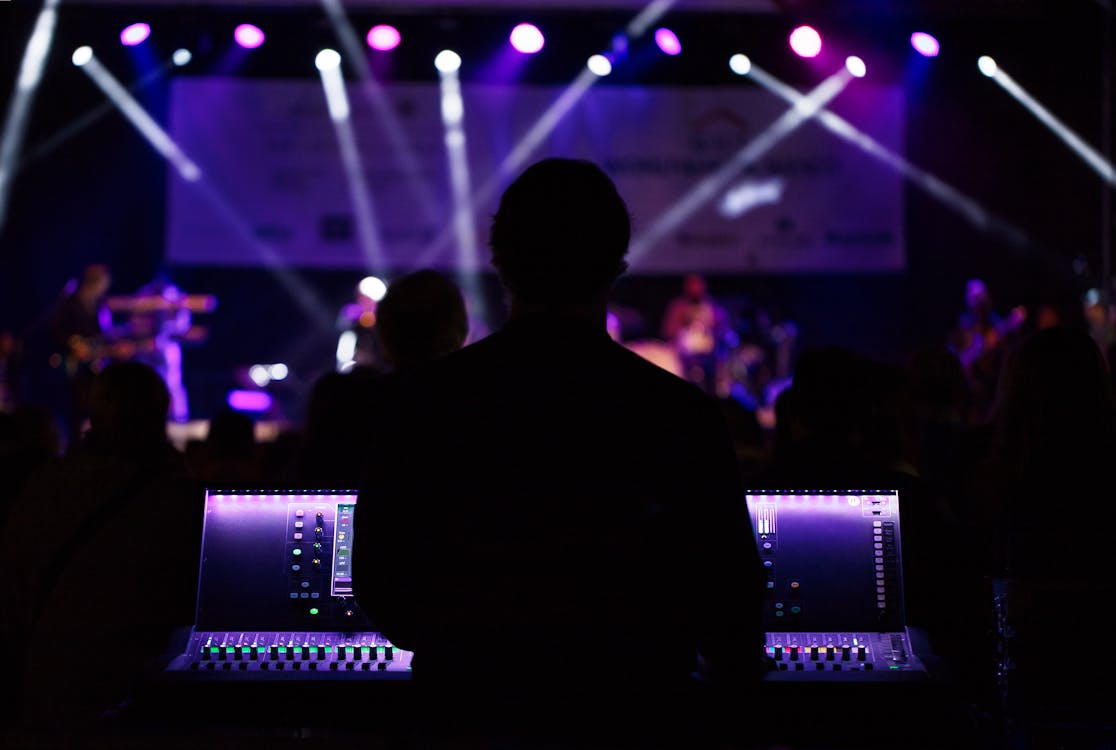
Silhouette Photo of People Beside Monitor

This is Last Page of Music Production. The Last study is in Music Production Study 10.
Here are Extra Information and resource:

Track Options in #StudioOne - Unlocking features you've been waiting for!


Recording in Studio One Made Easy: Recording Keys


Studio One 4 - MIDI Device Setup


Studio One 4 - How to record MIDI


PreSonus—Studio One 4: MIDI Editing


Get Started with Studio One: How to record MIDI in Studio One


Joe Gilder • Home Studio Corner has some great tip on set up personal studio.


Shallow Focus Photography of Black Dj Controller

Chapter 8
1. A groove‐related DAW is capable of:
a. Changing the time (length) of a loop to match the session tempo.
b. Changing the pitch of a loop to match the session key
c. Neither
d. Both

2. Why do multiple loops need to be synchronized with one another?

3. What are the three possible combinations of time and pitch manipulation that may
occur using DSP to synchronize and tune loops?

4. Briefly describe “warping” as it applies to sound file looping.

5. Most looping software programs not only handle audio files but _____ as well:
a. MIDI files
b. OMF files
c. VST files
d. All of these
Chapter 9
6. In just a few sentences, why is MIDI such a powerful production tool?

7. Name the MIDI ports that are located on the back of a MIDI instrument.

8. How many channels can be transmitted over a single MIDI port/cable?

9. Name just two of the many control functions that a program change message can vary.

10. The most popular type of MIDI controller is the __________ controller.

11. A component that can record, edit, manipulate and playback MIDI within a DAW is called a ______________.
Chapter 15
12. What is the difference between an insert and a send in signal routing?
13. What does equalization refer to?
14. What is the difference between a parametric and a graphic equalizer?
15.Provide a brief description of the function of the audio compressor:
16. What is side‐chain processing refer to?
17.How will a low‐pass filter affect a signal?
18.What is a compressor?
19.The control that determines how fast a compressor will stop compressing a signal that falls below the threshold is called the ____________ control.
20. Briefly, what does a noise gate do?
21.What are the three components that make up reverberation cues?
22.Removal of low frequency spectrum sound may be accomplished with the following:
a. Shelf filter
b. Low Pass filter
c. High Pass filter
d. Notch filter

23. What determines when a compressor will go into action?
a. When signals go below threshold
b. When signals rise above threshold
c. The ratio setting
d. The attack setting
24. What determines how much compression may be applied to a track?
a. When signals go below threshold
b. When signals rise above threshold
c. The ratio setting
d. The attack setting
 
Chapter 17

25. What are the three stages of the modern multi‐track recording process?

26. What might be an advantage of using an “aux send” over an “insert” within a mix?

27. In just a sentence or two, how can channels that are “grouped” together be helpful within a complicated mix?

28. What is the function of a channel insert?

29. What is the function of an auxiliary send?

30. What are some of the benefits to using automation?

31. What switch is used to reduce gain on an incoming audio signal by a specified amount?
a. Attenuation pad
b. Solo
c. Pan
d. Phase reverse

32. What control is used to place audio signals spatially?
a. Attenuation pad
b. Solo
c. Pan
d. Phase reverse

33. What control is used to listen to just one track in the mix?
a. Attenuation pad
b. Solo
c. Pan
d. Phase reverse

34. What is a patchbay used for?

Chapter 20
35. What are some of the reasons/needs for mastering an album?
36. List some of the tools used by mastering engineers.
37. What is the purpose of adding a dither signal when down‐sampling a sound file?
38. Explain some of the personal choices that are made when assembling the sequence of a music project.


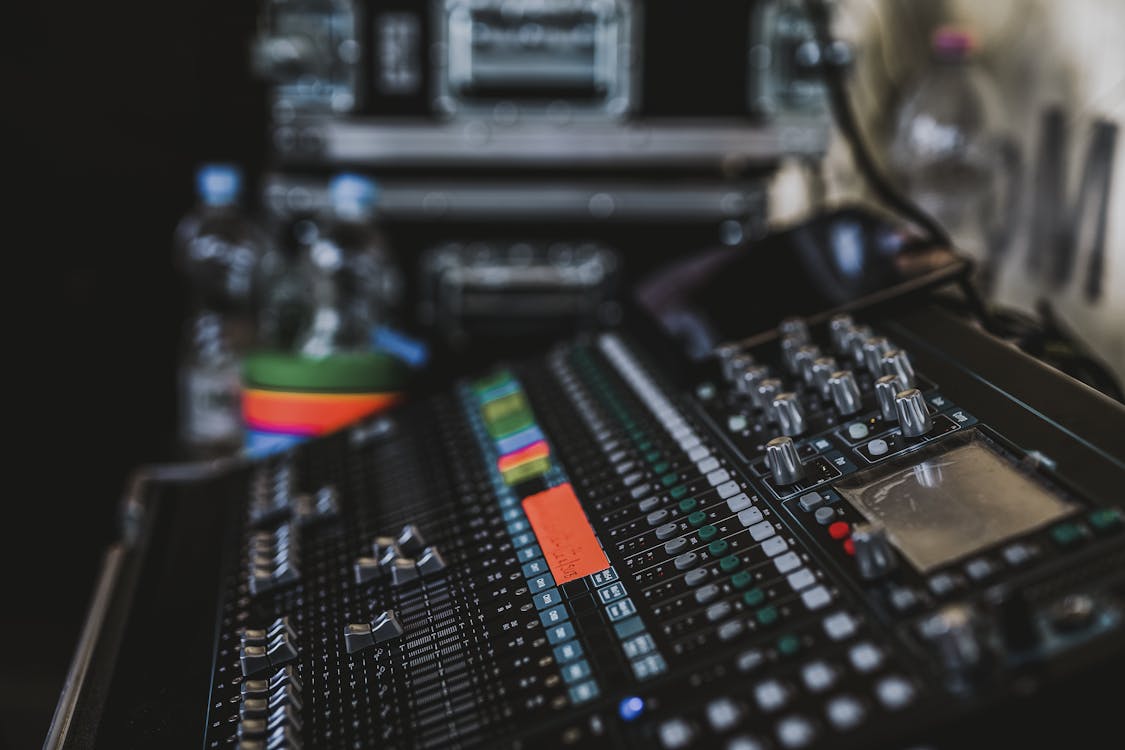
Photo of a Copper Audio Mixer
Chapter 9 MIDI and Electronic Music Technology

A History of MIDI


Fishman Triple Play Wireless Midi Guitar System Jennifer Batten Everything You Need To Know


JEFF RONA - History of MIDI


Michael Brecker Band - Upside Downside - 8161987 - Newport Jazz Festival (Official)


Roland TD-25KVX V-Drums


Macro Shot Audio Equalizer
Chapter 8


Pro Tool How to use warp markers lynda.com tutorial


Pro Tools Chopping Audio Using Beat Detective WinkSound


Roland TR-08 Rhythm Composer Demo — Knobcon 2017


Setting up ReWire with Pro Tools and Ableton Live


The BEST method for chopping samples In Pro Tools Pro Tools Beat Making Tutorial


Beginner's Guide to EQ (part 1)


Beginner's Guide to EQ (part 2)


this is a mini assignment
Chapter 1


What does “Showing Up is Huge” mean to you?


What is the first rule of recording?


Briefly describe the overdubbing process. What device(s) have made this practice a

possibility?


The person often hired to guide an artist throughout the recording process is the:

Engineer

Manager

Producer

Mastering Engineer

Assistant Engineer


The person who tweaks aspects of the final recording including level, equalization and dynamics is the:

Engineer

Manager

Producer

Mastering Engineer

Assistant Engineer


The device that allows for the recording and manipulation of digital audio is:

LSI

DAW

Transducer

Autolocator


Chapter 2


What is a transducer?


Sound can be broken down into two basic components ... name them.


What is the process by which sound can travel through a medium?


A simple waveform that is delayed by 180° relative to the original undelayed signal

is said to be ___________ with the original signal.


Don’t be concerned about listening to really loud music for long periods of time.

Your hearing will degrade over time, no matter how you treat them.

True

False


What is the difference between “peak” and “RMS” amplitude level measurements?


The range of human hearing is:

20 – 2,000 Hz.

200 – 20,000 Hz.

20 – 20 kHz.


Chapter 3


What are several factors that govern how the acoustics in a control room will sound?


Which will have a higher degree of transmission loss (TL)?

acoustic foam

sheet rock

solid wood

concrete


In recording studio design it is a good idea to have walls that are not parallel to one another:

True

False


The acoustic structure designed to absorb low frequency energy is termed a:

bass trap

soffit

reverb chamber

gobo


Chapter 4


What is a brief definition of a microphone.


The moving element of a microphone is called a ____________.


Name the three most‐common microphone operating design types.


What is phantom power?


What does a microphone preamp do?


What is “proximity effect”? Is it always bad?


What are the names of the three most‐common mic placement techniques that are a

function of distance?


Name two stereo miking techniques.


What are the three most common directional pickup patterns might a microphone

exhibit?


What is the function of a Direct Injection box?


A boost in the low frequency pick up of a directional microphone is referred to as:

proximity effect

discrimination

rear entry ports

cardioid


Chapter 6


Amplitude and frequency are related to what two fundamental elements of digital audio?


How many value states are described in a binary numbering system?


Digital audio signals that are recorded at a higher level than (11111111)(11111111) will sound _________________.


The sample rate of a recorded file refers to?


Provide a brief description of the Nyquist theorem and how it relates to sample rate.


Which of the following is not a digital audio transmission specification?

AES/EBU

SMPTE

SP/DIF

mLAN


37) Time‐based errors in a digital audio system are known as:

Jitter

Dither

Quantization

Latency


Chapter 7


The fastest computer data protocol is:

Firewire

USB‐C

Thunderbolt


What is latency in the digital audio world? How might it be a problem during an

overdub?


DSP stands for _________ _________ _________.


What device has single‐handedly revolutionized the traditional way in which audio

can be recorded, processed and mixed?


Name two common interconnection protocols used with external digital audio

interfaces for digital audio workstations:


Accumulated audio delay in a DAW, typically measured in milliseconds is termed?


Data flow on USB and Thunderbolt is:

Uni‐directional (one way)

Bi‐directional (data flows flow ways)


44) Which of the following is not a digital audio sound file format?

Wav

AIFF

USB

FLAC


Chapter 8


45) A protocol that can be used to link the timing elements of DAW to another DAW or sonic app is called _________?


46) A groove‐related DAW is capable of:

Changing the time (length) of a loop to match the session tempo.

Changing the pitch of a loop to match the session key

Neither

Both


47) Why do multiple loops need to be synchronized with one another?


48) What are the three possible combinations of time and pitch manipulation that may

occur using DSP to synchronize and tune loops?


49) True or False: Propellerhead's Reason lets you record audio into its sequencer?

True

False


50) The underlying software program which allows a program such as Live or Reason to

synchronize sample‐accurately with another DAW program is termed:

ProTools

ReWire

Apple GarageBand

Actually this isn't possible


Black Audio Mixer
Working on Studio One Software:
Week6_T2_Upload.zip Download Here

Power Point

Inspector


MP1_S1_EditingTools


MP1_S1_Transport


MPI_S1_Zooming

Greyscale Photography Of Condenser Microphone

Chapter 3 Power Point


Chapter 3 Video:

GIK Acoustics Early First Reflection Points


GIK Acoustics How Diffusion Diffusor Works


GIK Acoustics The Basics, Bass traps, Diffusion, Panels


Rockwool sound absorber


What Are The Best Sound Damping Materials &How Do They Work


Mini Assignment:
Reasecher the Microphone from the list:
  • SM57
  • SM58
  • AKG D112
  • Audix D6
  • Rode NT1-A
  • sE X1 S
  • Sennheiser
    • e825
    • e604
    • e608

Include the following:
  1. Picture of the Mic
  2. Cost
  3. Frequency chart
  4. Max SPL level
  5. Best use(s)

Black and Gray Audio Mixer

Course Description
An introductory course in music production using a digital audio workstation. Students will be introduced to standard audio recording and production techniques as well as basic audio theory.   

Learning Outcomes
• You will be able to mix audio
• You will be able to demonstrate basic audio theory
• You will be able to demonstrate basic microphone placement
• you will learn to record and mix using industry standard software
• You will demonstrate the ability to critically listen to sound recordings
• You will learn the basics of MIDI (musical instrument digital interface) recording

Textbook
Huber, D. M., & Runstein, R. E. (2018). Modern Recording Techniques: Focal Press.
Book Click Here

Course Materials  
• Audio Interface, Microphone, and Headphones

Free Software
• Avid First (Light version of Pro Tools) http://apps.avid.com/ProToolsFirst/
• Presonus Studio One 4 Prime: https://shop.presonus.com/Studio-One-4-Prime
• Noteflight Notation Online https://www.noteflight.com/
• Finale Notepad www.finalemusic.com/products/finale-notepad/
Links
Studio One Expert: https://www.pro-tools-expert.com/studio-one-expert http://www.pensadosplace.tv/ http://www.pro-tools-expert.com/ http://www.avid.com/US/ http://www.avidblogs.com/music/ http://community.avid.com/ Produce like a pro (youtube channel): https://www.youtube.com/channel/UCpyUGZeMUtOvt57UACw3H2g How speakers make sound: http://animagraffs.com/loudspeaker/

Music Production
*Course Schedule - Step Study by Study*
Study 1_________________________________________________MRT - Chapter 1 – Introduction

Study 2____________________________________________MRT - Chapter 2 – Sound and Hearing

Study 3____________________________________MRT - Chapter 3 – Sound Acoustics and Design

Study 4______________________________MRT - Chapter 4 – Microphones: design and application

Study 5___________________MRT - Chapter 5 - The Analog Tap Recorder Microphone Assignment
Chapter 6 – Digital Audio Technology Digital Audio Storage
MRT – Chapter 7 – The Digital Audio Workstation Overview of DAW’s
DAW Project

Study 6_________________Introduction to DAW’s – An overview Introduction to Studio One Prime

Study 7 __________________________MRT - Chapter 8 – Groove Tools and Technology Project #1

Study 8_____________________________MRT - Chapter 9 – MIDI and Electric Music Technology

Study 9__________________________________MRT – Chapter 10 – The iOS in Music Production
Chapter 11 – Multimedia and the Web

Study 10___________________________________________MRT - Chapter 15 – Signal Processing
MRT - Chapter 17 – The Art and Technology of Mixing

Study 11_______________________________MRT - Chapter 18 – Monitoring Monitor Assignment

Study 12_________________________________________________MRT - Chapter 20 – Mastering

Study 13___________________________MRT - Chapter 21 – Product Manufacture and Distribution

Study 14_______________________________________MRT - Chapter 21 – Studio Tips and Tricks

Study 15_______________________________MRT - Chapter 22 – Yesterday, Today and Tomorrow

Study 16____________________________________________________________Final Project Due


Step 1: 
    you could sign up at: https://fontawesome.com/ to gave you the JS code or simplay by using the code below here (this code is the same for everyone so it doesn't matter to sign up or not):
    <script src="https://kit.fontawesome.com/83495f9eaa.js" crossorigin="anonymous"></script>
Step 2: 
place the code right after the HTML <head>: Example:
<html>
  <head>
    <!-- Place your kit's code here -->
    <script src="https://kit.fontawesome.com/83495f9eaa.js" crossorigin="anonymous"></script>
  </head>

  <body>
    <!-- Ready to use Font Awesome. Activate interlock. Dynotherms - connected. Infracells - up. Icons are go! -->
  </body>
</html>

Step 3:

all code that you use from Font Awesome now should work property without any miss

Python M08

Agenda - Dictionaries and Sets

Learning Objectives:
General ObjectivesPython Specific Objectives
Associative Data StructuresDictionaries in Python
Set OperationsSet and Frozenset Types in Python
Hexidecimal Numbers
Computer Simulation
Test Drivers/Text Stubs
Activities:
  1.  Read Chapter 9 of Dierbach
  2. Complete weekly laboratory exercise
  3. View the accompanying videos
  4. Complete Module 08 Study Guide
  5. Read any related materials

1523 Video Tutorial Module 08 Python Dictionaries Preliminaries:


1523 Video Tutorial Module 08 Python Dictionaries Application

Python M07

M07 - Agenda:

Objectives

  • Define an organization of elementary data into a data structure
  • Assignment elements to a list type data structure when creating the list
  • Utilize the append  function to add items to a list
  • Utilize the delete function to remove items from a list
  • Develop code which utilizes tuples
  • Explain the difference between a tuple and a list.
  • Write Python programs utilizing lists and tuples
Agenda
  1. Read Punch, Chapter 7,
  2. Video on Lists and Tuples
  3. Complete the Module 07 Study Guide
  4. Complete the in class laboratory

M07 - Lists Arrays, Lists and Tuples Tutorial Video #1